[FaithTag] How to Prevent Blank Printouts
Blank printouts can typically be attributed to the following reasons:
Incorrect Paper Type / Improper Paper Loading
1. Confirm Paper Type:
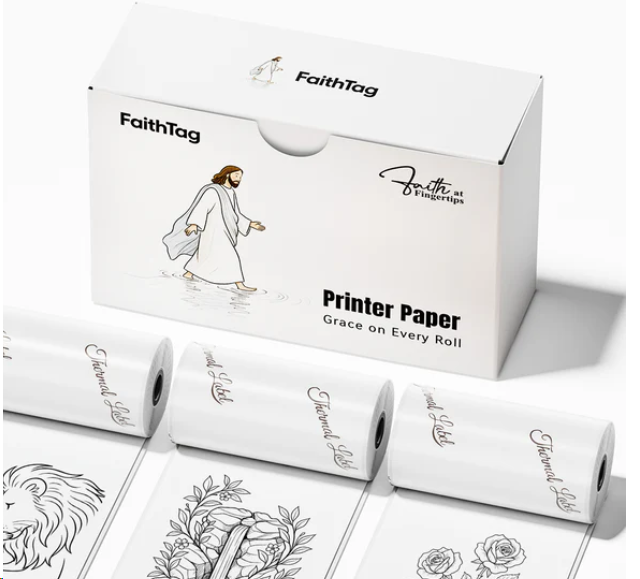
Mare sure you are using the thermal print paper, you can verify it by checking the packaging or the product listing on the manufacturer's website.
2. Check Paper Orientation:
Ensure that the thermal paper is loaded correctly. The thermal-sensitive side should be facing the print head. You can test this by scratching the surface of the thermal-sensitive side of print paper; it will leave a mark.
Here are demo videos about how to install paper roll correctly:
3. Verify if the QR code prints correctly:
Double-click the power button to print a self-test page. It should print as shown below.
4. Contact Support
If the issue persists, please contact our support team and provide the following information:
 Email: support@faithtagstore.com
 - A demo video of the issue (you can print an image, quick notes, or QR code as shown in step 3).
- The printer's SN and firmware version (accessible via the "FaithTag" app).
- Your order number, purchase platform, and purchase date.
Related Articles
[FaithTag] How to Prevent Blurry and Missing Prints
Unclear printouts are usually caused by the following reasons: Low battery level/Insufficient print density/Unclean printhead/Subpar image quality 1. Maintain a High Battery Level for the Printer. To avoid compromised print quality, keep the ...[FaithTag] How to Connect Printer via Bluetooth to Mobile Devices
1. Turning on the Printer Hold the power button for about 3 seconds. Release when the power indicator light is on. 2. Installing the FaithTag App Download the "FaithTag" App either by visiting provided link or scanning the QR code below. Download the ...[FaithTag ] How to find the printer's serial number (SN) ?
There are two ways to access the SN of the printer: Connecting to "FaithTag" app or Printing a self-test page. 1. Option1: Connecting to "FaithTag" App to access SN. Open the "FaithTag" App. Tap the printer icon in the upper left corner to search for ...[FaithTag]How to Load Thermal Paper and Print Correctly
1. Load the Thermal Paper Roll Properly Open the printer's top cover and load the thermal paper roll. Close the top cover properly. Here are demo videos about how to install thermal paper roll correctly: 2. Check the Status of the Printer Power on ...[FaithTag] How to Enhance Print Quality
1.Maintain a High Battery Level for the Printer. To avoid compromised print quality, please keep the printer's battery sufficiently charged. Please check the battery level of the printer. If it is below 30%, please charge it for 2-3 hours before ...